Adding fields to an applicant portal in Salesforce should not require lengthy development cycles or IT dependency.
However, many institutions still rely on legacy systems where updates can take months. As a result, admissions teams are often forced to delay changes until the next application cycle.
Why It’s Difficult to Add Fields to an Applicant Portal
Admissions requirements are constantly changing.
For example:
- Different programs may require unique application fields
- Regional regulations may require new data collection
- Institutions may need to update questions mid-cycle
Because of this, the ability to quickly add fields to an applicant portal becomes essential.
The Problem with Traditional Systems
Legacy systems often require:
- Custom development for every field change
- Fixed data models that are difficult to modify
- Long release cycles tied to application deadlines
As a result, even simple updates can take months to implement.
A More Flexible Approach to Applicant Portals
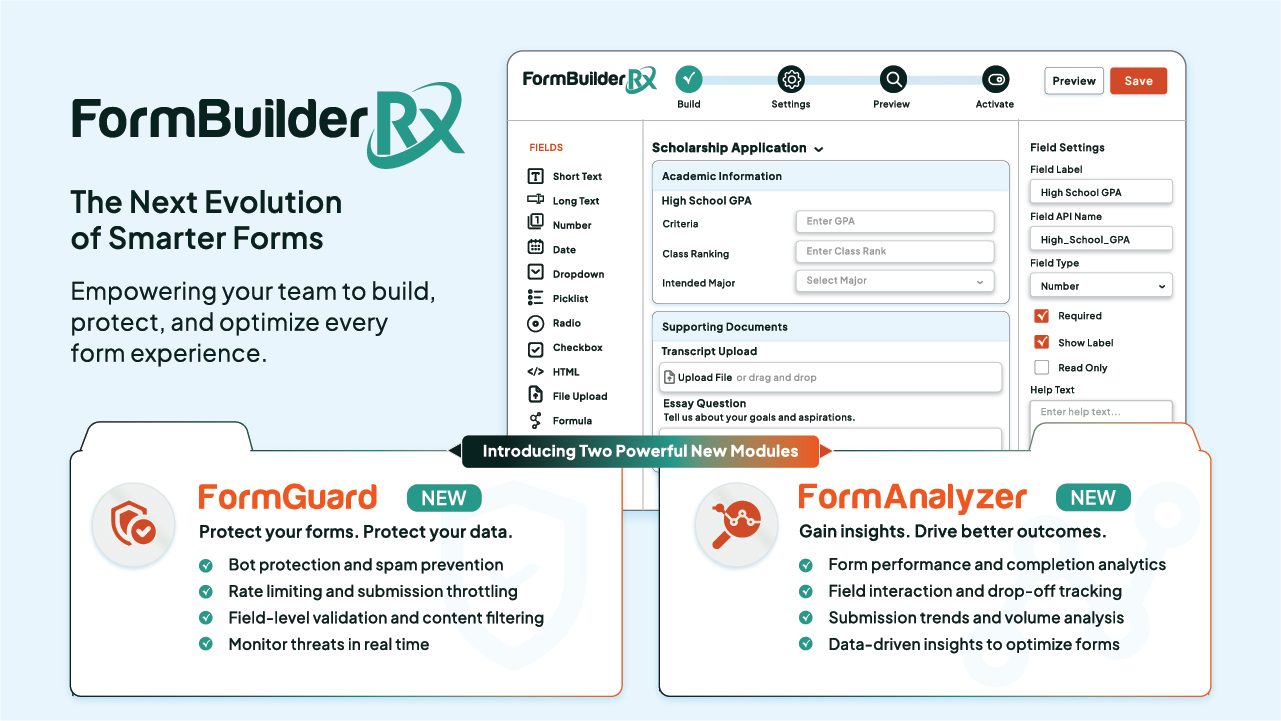
Modern systems should allow administrators to add fields to an applicant portal without coding.
With the right tools, operational teams can:
- Configure fields directly within the system
- Apply logic based on applicant type or program
- Make updates in real time without waiting for IT
This allows institutions to adapt quickly to changing requirements.
Key Controls for Dynamic Applicant Experiences
To fully support flexibility, institutions need control over how fields behave.
For example:
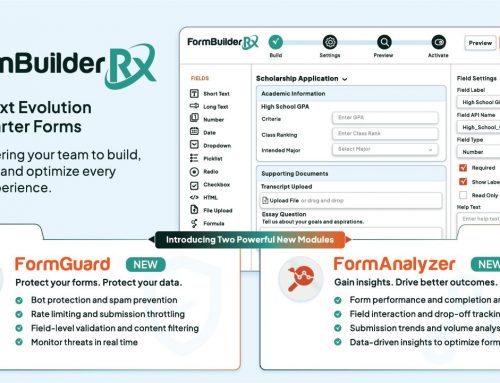
- Rendered: Show or hide fields based on applicant criteria
- Required: Define which fields must be completed
- Auto-Populated: Pre-fill fields using existing CRM data
- Read-Only: Lock fields when editing is not allowed
- Record Selection: Control available values in picklists
In addition, administrators should be able to customize field labels, instructions, and placeholder text.
Creating a Dynamic Applicant Portal
With these capabilities, institutions can create an applicant portal that adapts based on who is using it.
For example, different applicants may see:
- Different fields based on program or region
- Pre-filled information based on prior interactions
- Customized instructions based on application type
As a result, the application experience becomes more personalized and efficient.
Improve Your Applicant Portal Experience
By enabling admins to add fields to an applicant portal without coding, institutions can:
- Respond quickly to changing requirements
- Reduce reliance on technical resources
- Improve the applicant experience
- Increase operational efficiency
Ultimately, flexibility leads to better outcomes for both staff and students.
Learn More
Enrollment Rx helps colleges and universities build dynamic applicant portals within Salesforce.
Learn more about Enrollment Rx: https://www.enrollmentrx.com
For more information on Salesforce Experience Cloud, visit: https://www.salesforce.com/products/experience-cloud/
Take the Next Step
If your institution is looking to simplify updates and improve flexibility, it may be time to rethink how your applicant portal is managed.
Schedule a demo to see how Enrollment Rx can support your admissions strategy.