When admitted students do not enroll, most enrollment teams still want to know what happened next.
Did the student enroll somewhere else? Did they start at a community college? Did they stay close to home? Could they become a strong transfer prospect in a future cycle?
National Student Clearinghouse data in Salesforce can help colleges answer those questions with more context. The data itself is valuable. However, the real value comes when it is connected to the application, admission, and student records your team already uses every day.
For institutions using Salesforce for admissions and enrollment, that connection can turn a static report into a practical enrollment strategy.
Why non-enrolling admitted students are hard to understand
Every admissions team has a group of students who were admitted but did not enroll. Some chose a competitor. Some delayed college. Some started at a two-year institution with plans to transfer later.
Without outside enrollment data, those students can become hard to see. They may remain in Salesforce as lost yield, but the record does not always explain where they went or what that movement means.
That creates a planning problem.
Enrollment teams may know how many admitted students did not enroll, but they may not know which institutions are drawing those students, which student populations are choosing a different route, or which former applicants could be worth re-engaging later.
This is where National Student Clearinghouse data can add useful context.
What National Student Clearinghouse data can show
National Student Clearinghouse StudentTracker services help institutions understand learner pathways and outcomes using postsecondary enrollment and degree data.
One relevant use case is the Declined Admissions query. The Clearinghouse describes this as a way to identify where former prospective students, meaning admitted applicants who did not enroll, subsequently enrolled.
That matters because the answer can change how a school thinks about future outreach.
If an admitted student enrolled at a two-year college after census day, that student may not be gone from the funnel forever. They may be starting a pathway that could lead back to the institution as a transfer applicant.
If a group of students consistently enrolls at a particular type of institution, in a specific geography, or after showing interest in certain programs, those patterns can help enrollment teams ask better questions.
Why National Student Clearinghouse data in Salesforce matters
A Clearinghouse file can answer one question: where did these students enroll?
Salesforce can help answer the next set of questions.
Who were these students when they applied? Which programs interested them? Were they admitted, denied, waitlisted, or incomplete? Which recruiter or territory did they belong to? Did they attend an event? Did they submit financial aid information? Did they have a strong academic fit for a future transfer conversation?
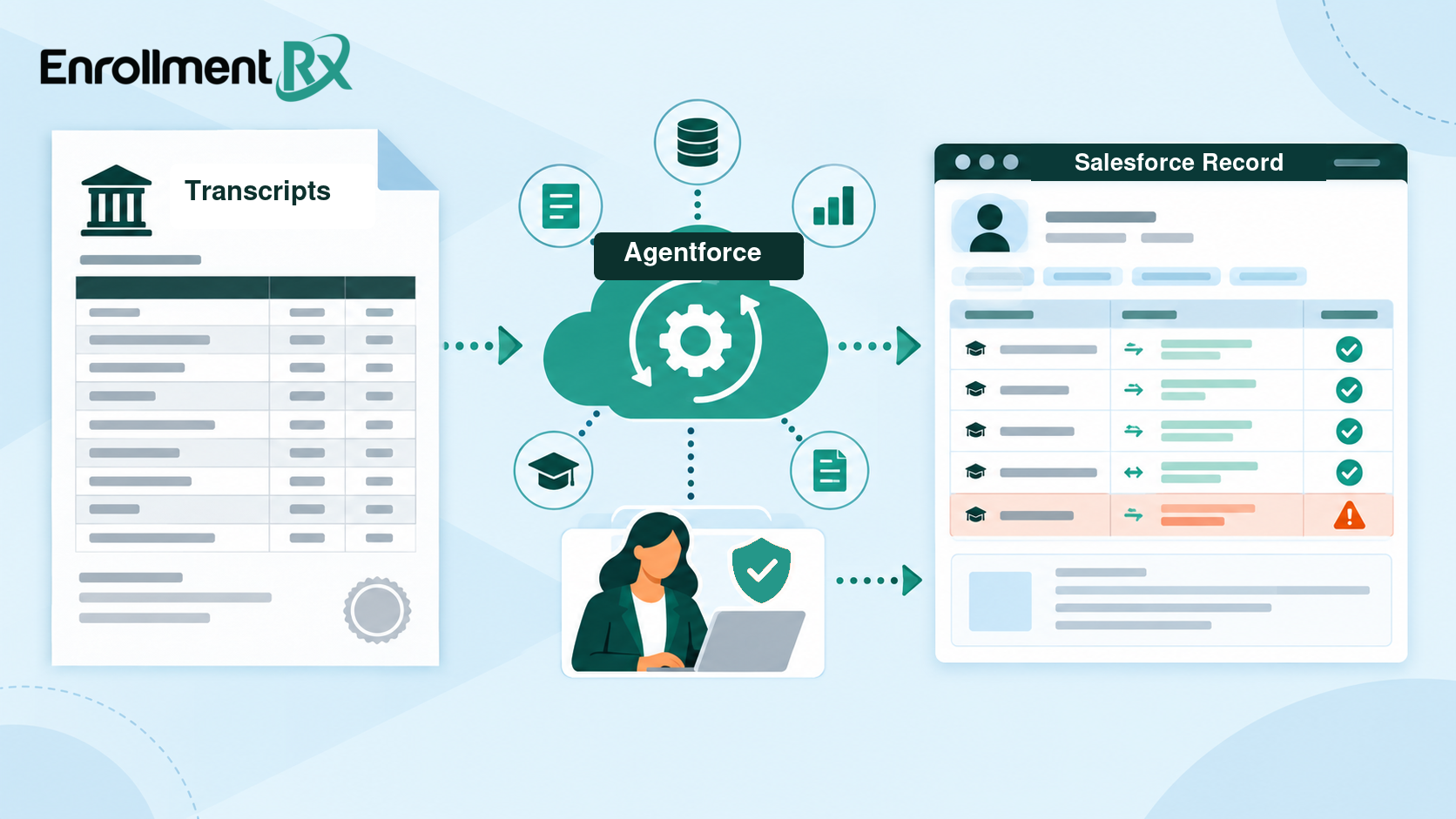
When National Student Clearinghouse data in Salesforce is connected to those existing records, the school can move from a report to an enrollment workflow.
That workflow might include:
- Identifying admitted students who later enrolled at two-year colleges.
- Creating transfer prospect segments from former first-year applicants.
- Building dashboards that show where non-enrolling admitted students went.
- Comparing patterns by program, geography, term, or student population.
- Triggering future outreach when a former applicant may be ready for a transfer conversation.
The point is not to create more data for teams to manage. The point is to make existing enrollment data more useful.
How Import Rx can support this work
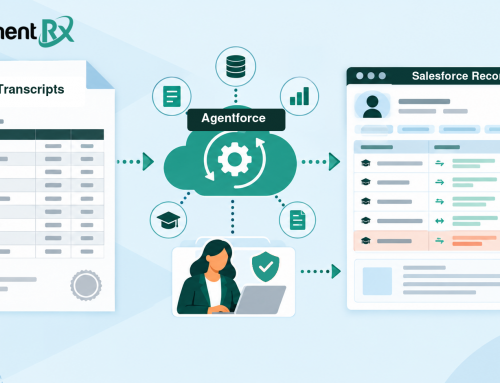
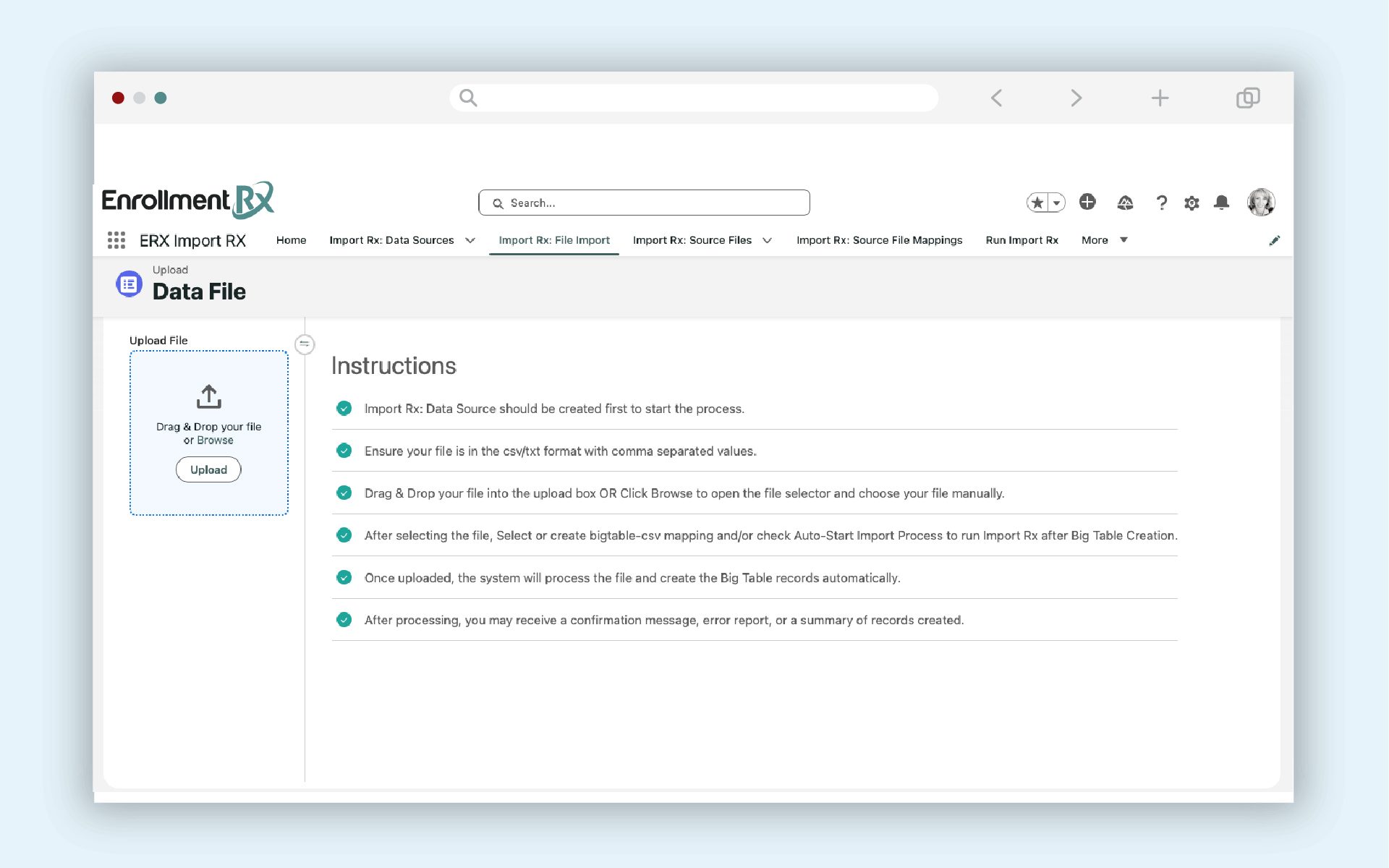
Import Rx is built for repeatable Salesforce-native data imports. It helps institutions bring external files into Salesforce using the matching, deduplication, and update logic that fits their environment.
That makes it a practical fit for Clearinghouse files.
For a National Student Clearinghouse integration, Import Rx can support the process of bringing Clearinghouse data into Salesforce as another data source. The fields, mappings, and reports will depend on each institution’s Salesforce structure, application objects, and transfer strategy.
That distinction is important. This is not about treating Clearinghouse as a one-size-fits-all product feature. It is about helping schools use an external data source in a way that fits their existing Salesforce architecture and enrollment goals.
For some schools, the immediate value may be reporting. For others, it may be a transfer recruitment workflow. For others, it may be a better understanding of competitor patterns or student mobility.
Import Rx helps make that work repeatable, so teams are not rebuilding the process from scratch every time a file is received.
A practical transfer recruitment example
Consider a four-year institution that wants to understand what happened to admitted students who did not enroll for the fall term.
After census day, the school receives Clearinghouse data showing where those students subsequently enrolled. Some attended nearby two-year colleges. Others enrolled at four-year institutions. Some may not appear in the data at all.
Once that file is imported into Salesforce, the institution can connect those outcomes back to the original application records.
The team could build reports that show:
- Which admitted students enrolled at two-year colleges.
- Which academic programs those students originally selected.
- Which geographic areas produced the most potential transfer prospects.
- Which competitor institutions appeared most often.
- Which students may be worth including in a future transfer campaign.
From there, the school can decide what action makes sense. That might be a transfer nurture campaign, a recruiter task list, a program-specific outreach plan, or a dashboard for enrollment leadership.
The key is that the team is no longer looking only at lost yield. They are looking at student movement.
Questions schools should ask before starting
Before importing Clearinghouse data into Salesforce, institutions should clarify a few practical questions.
- Which students should be included in the source file?
- Which Salesforce object should receive the data?
- Which existing application, student, or contact fields should be matched?
- Which Clearinghouse fields matter for reporting and action?
- How often will the process run?
- Who owns the reports, dashboards, and follow-up workflow?
- What privacy, consent, and data governance rules apply?
These questions help keep the project grounded. The goal is not to import every possible data point. The goal is to import the data that helps the enrollment team make better decisions.
Better visibility creates better planning
Enrollment teams already spend a lot of time studying yield. But yield reports often stop at the point where the student did not enroll.
National Student Clearinghouse data in Salesforce can extend that view. It can help schools see where students went, which pathways they followed, and where there may be future transfer opportunities.
For institutions trying to build stronger transfer pipelines, that visibility matters.
A student who did not enroll as a first-year applicant may still be part of the institution’s future class. The challenge is knowing where they went, when to re-engage, and how to connect that insight to the workflows your team already uses.
Import Rx can help make that connection practical inside Salesforce.
Want to talk through how Clearinghouse data could become more useful in Salesforce? Grab a time here: https://erx-demo.youcanbook.me/